

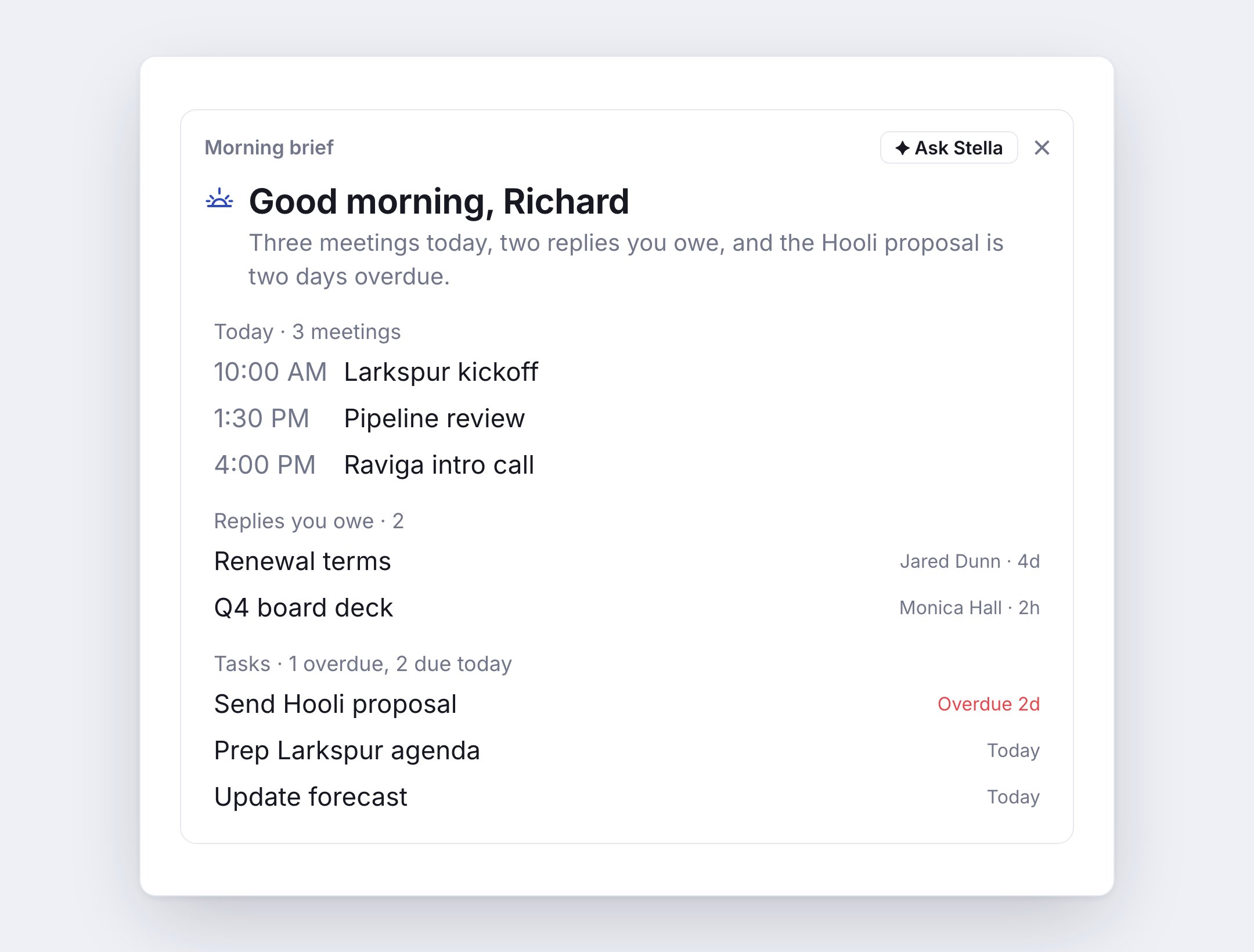
Turn it on
- Web: Settings → Daily Briefs.
- Mobile: Settings → Daily briefs.
Times are in your time zone. If your device is in a different one, the card offers to switch. Send one now sends a brief right away: the morning brief before 2 PM, the recap after.
What’s in the morning brief
- Today: your meetings, each with a prep note, like who you last emailed and whether you owe them a reply.
- Replies you owe: emails waiting on your answer.
- Waiting on you: conversations waiting on your reply.
- Waiting on them: emails you sent that haven’t had an answer.
- Missed calls.
- Tasks: what’s overdue and what’s due today.
- Records you own: records that are due this week, changed, have new activity, or have gone quiet.
- Recommendations: what Stella suggests doing next. See Recommendations.
What’s in the end-of-day recap
- What got done: replies sent, tasks finished, meetings held.
- Still open: what’s left from today.
- First thing tomorrow: tomorrow’s first meetings and tasks.
One-tap actions
Every line has a button, so you can act without leaving the brief.
Prep me, Draft reply and Draft follow-up open Stella. A draft opens in the reply box for you to review and send.