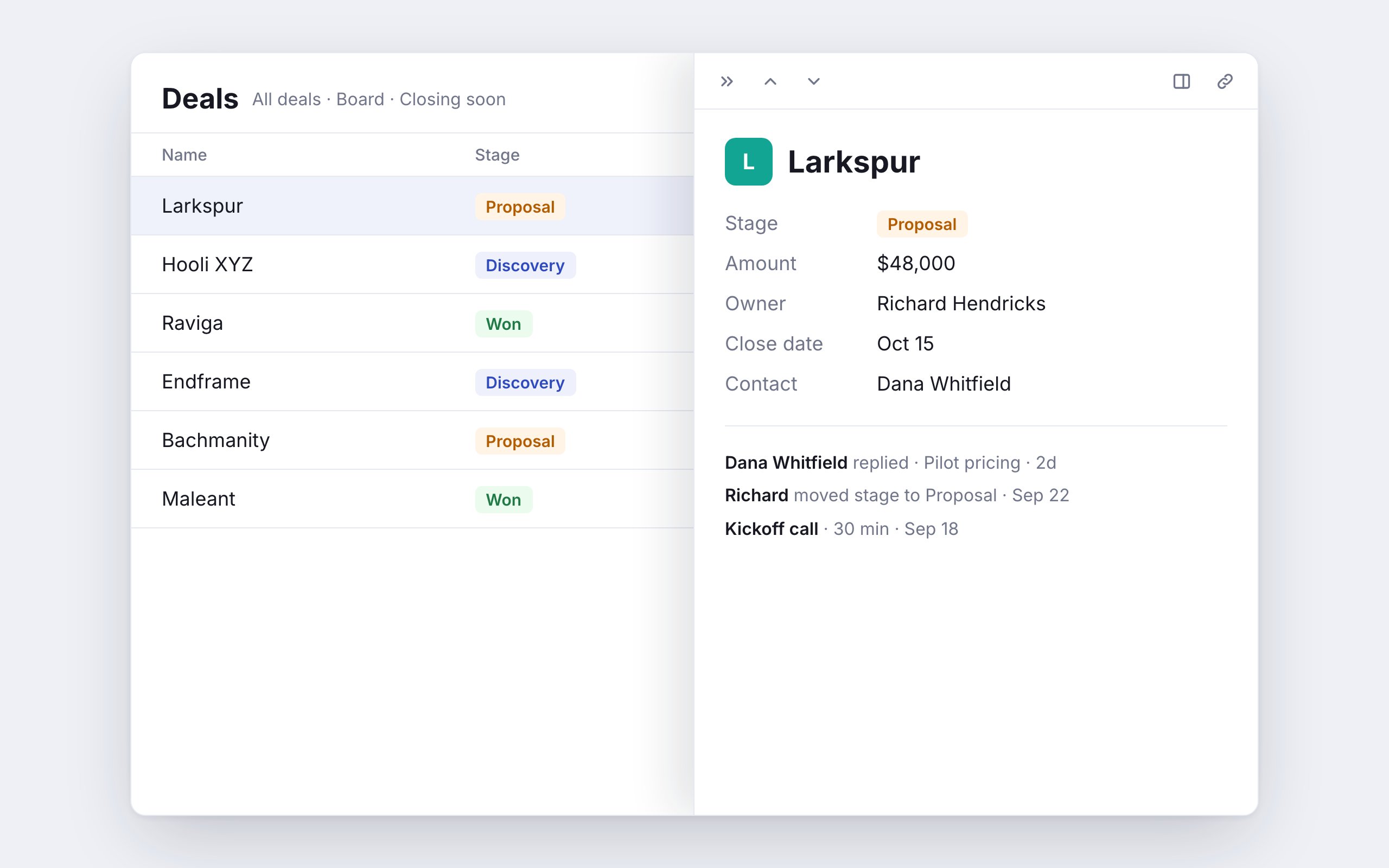
Open a record or page over the screen you’re on, without losing your place.
Click a record in a view and it opens in a peek: a panel over the screen you’re on. The list behind it stays where you left it, so you can read or edit one record and move straight on to the next.
Side peek: a panel on the right. The page beside it stays usable.
Center peek: a larger window over a dimmed page. Click outside it to close.
Full page: the record’s own page.
A view’s Open records in setting picks which one a click uses. Anywhere outside a view, such as a relation pill or a record Stella links to, a record opens in the side or center peek you used last.⌘-click (Ctrl-click on Windows) opens the record in a new tab instead. On a phone, records always open as a full page.Peek works across table, board, grid, list, calendar, timeline, collection and checklist views, relation sections, the library, and the tasks page.
Under Open records in, choose Side peek, Center peek or Full page.
The choice applies to everyone using the view. You can also set it from a peek: open Open in and pick Make … the default.Pages in the sidebar have the same choice: open the page’s menu, then Open as. Pages open as a full page unless you change it.
Only members with edit access to a view or page can change its default. Everyone can still switch the mode for
themselves from Open in.