

The two halves
Routing bridges two things:- Objects: where the structure of your data and its views are defined.
- Records: where those views are actually displayed and acted on.
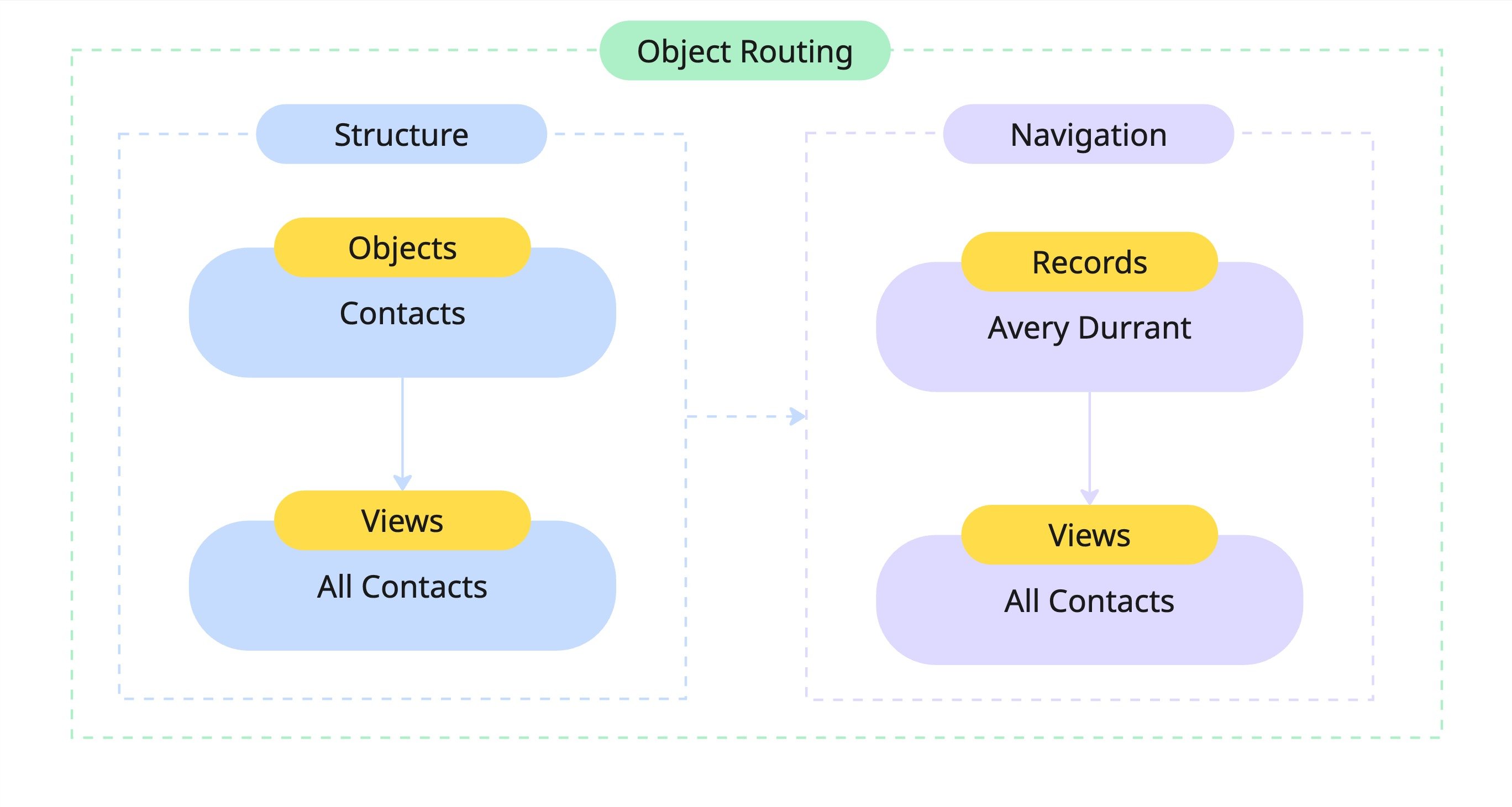
How a record opens
1
Follow a record link
Click a row in a database view, a search result, a related-record link on another record, or a link in a workflow or notification. You land at
/records/<recordId> (for example, /records/rec_123).2
Custral loads the record and its object
The record arrives with its parent object attached, so Custral knows which views to draw and what the record’s name and fields are.
3
The object's views render as tabs
Each view configured on the object becomes a tab on the record, scoped to that record’s data. No per-record setup required.
Views come from the object
You lay out a record’s experience once, on its object, not on each record by hand. Add the views and components you want every record to show (a summary dashboard, lists of related records, an activity feed), and Custral renders that same layout for every record under the object.
Components adapt to the open record automatically: a “Related Deals” component on the Contacts object shows the deals tied to whichever contact you opened. See Object Views for how this is configured.
On a record page
A record opens as a full screen with its name and breadcrumb in the header, the object’s views as tabs, and a set of actions:Why this model works
- Reusability: define structure once on the object; every record shares a consistent experience.
- Context: each record automatically fills the object’s views with its own data.
- Dynamic routing: every record URL (
/records/<recordId>) renders the object’s layout without a hand-built page. - Linkable: point dashboards, workflows, and notifications straight at a record; Custral supplies the context.
Related
Object Views
How the views you configure on an object appear on every record.
Views Overview
The view types a record’s tabs can be built from.
Objects
Where a record’s structure and views are defined.
Records
The data model behind every record.